
HomeWhy CloudBridge · 05 of 05
Fewer issues.
More reliable days.
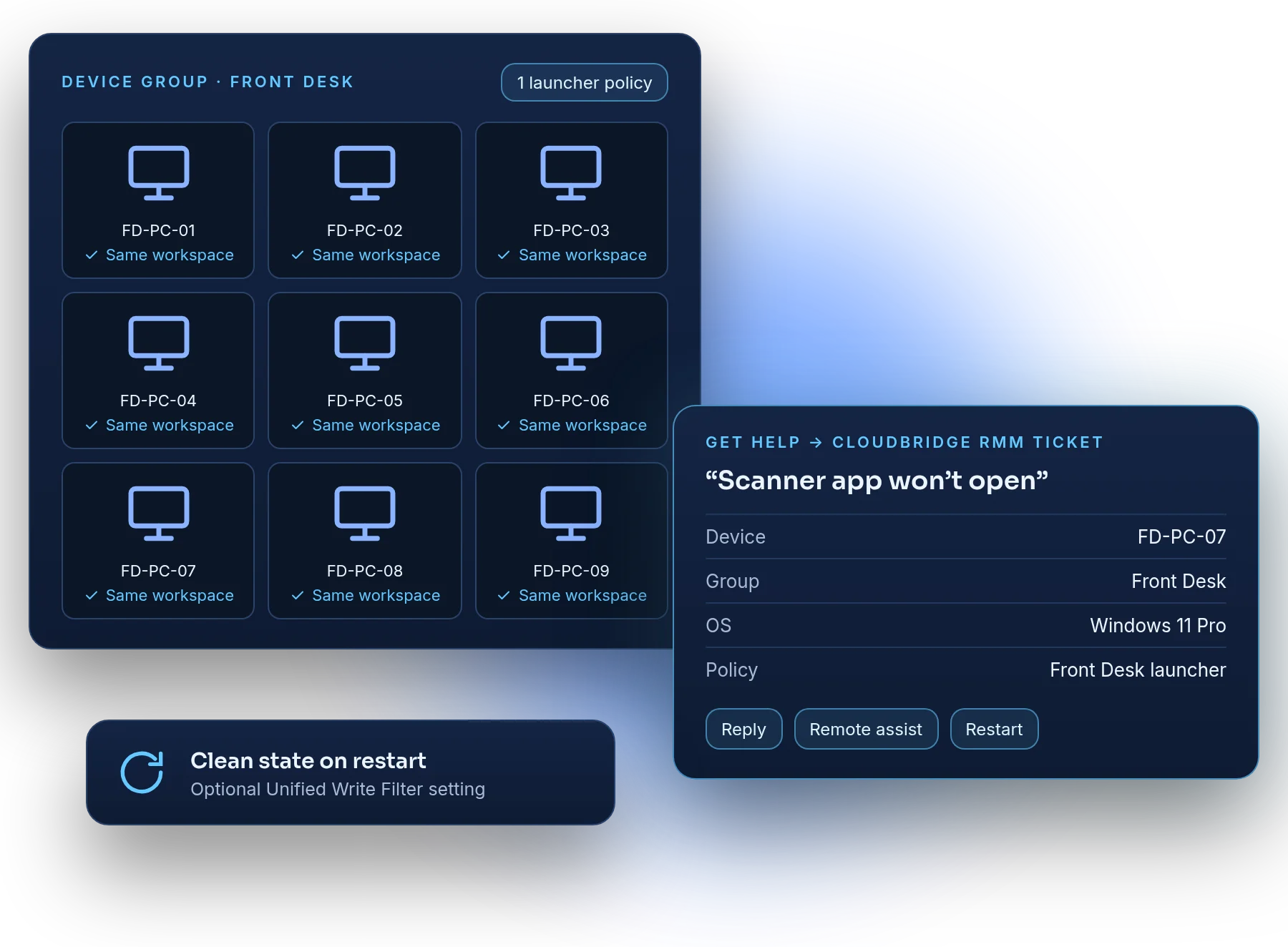
Every PC in a group follows the same admin-defined workspace, and when someone needs help, the Get help ticket reaches CloudBridge RMM with the device attached.
- One policy per device group
- Tickets with device context
- Optional clean state on restart
Reliability starts with consistency
Same workspace.
Fewer surprises.
Most desktop issues start with a difference: an app someone installed, a setting someone changed, a PC that drifted away from the rest. SecureClient narrows those differences, and CloudBridge RMM keeps an eye on the rest.
- 01
One policy, every PC.
Every PC in a group follows the same admin-defined workspace, so there are fewer one-off setups to troubleshoot.
- 02
Fewer ways to break things.
Users get the apps they need, and system tools like Settings and Command Prompt can be restricted.
- 03
A clean start, every day.
An optional Unified Write Filter setting discards changes made on the device at every restart.
- 04
Updates on your terms.
Set update policies from CloudBridge RMM for workstations and servers.
- 05
Alerts in one console.
Monitoring, policies, updates, alerts and tickets live in one place instead of a stack of tools.
- 06
Help with context.
Tickets arrive with the device, its group, OS and policy status, so support starts with facts—not a blank slate.
How a support request flows
Help arrives
with the device attached.
From the person at the PC to the technician in the console, in three steps.
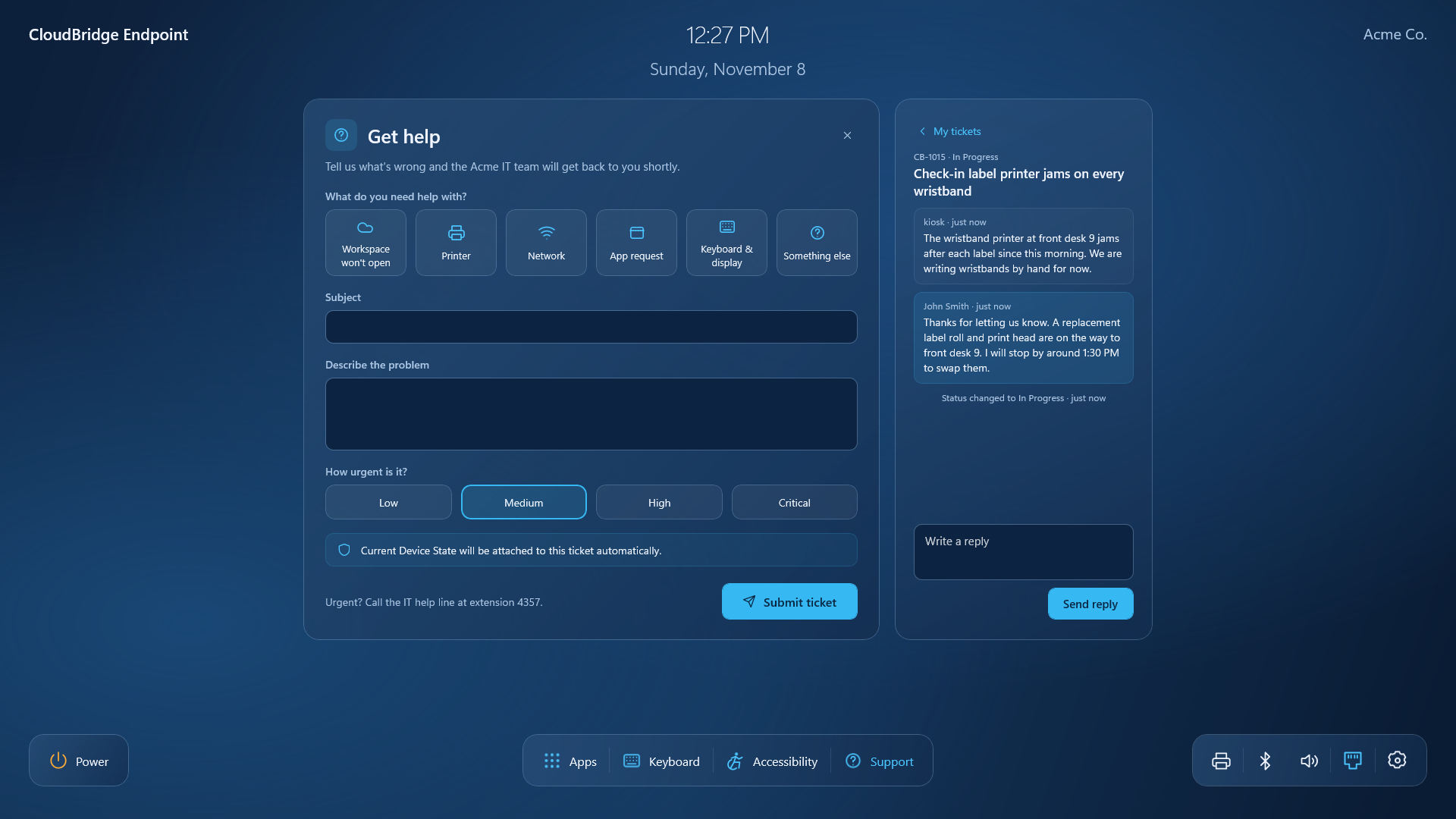 01 / At the PC
The user taps Get help.
The support entry point lives in the workspace, close to the work.
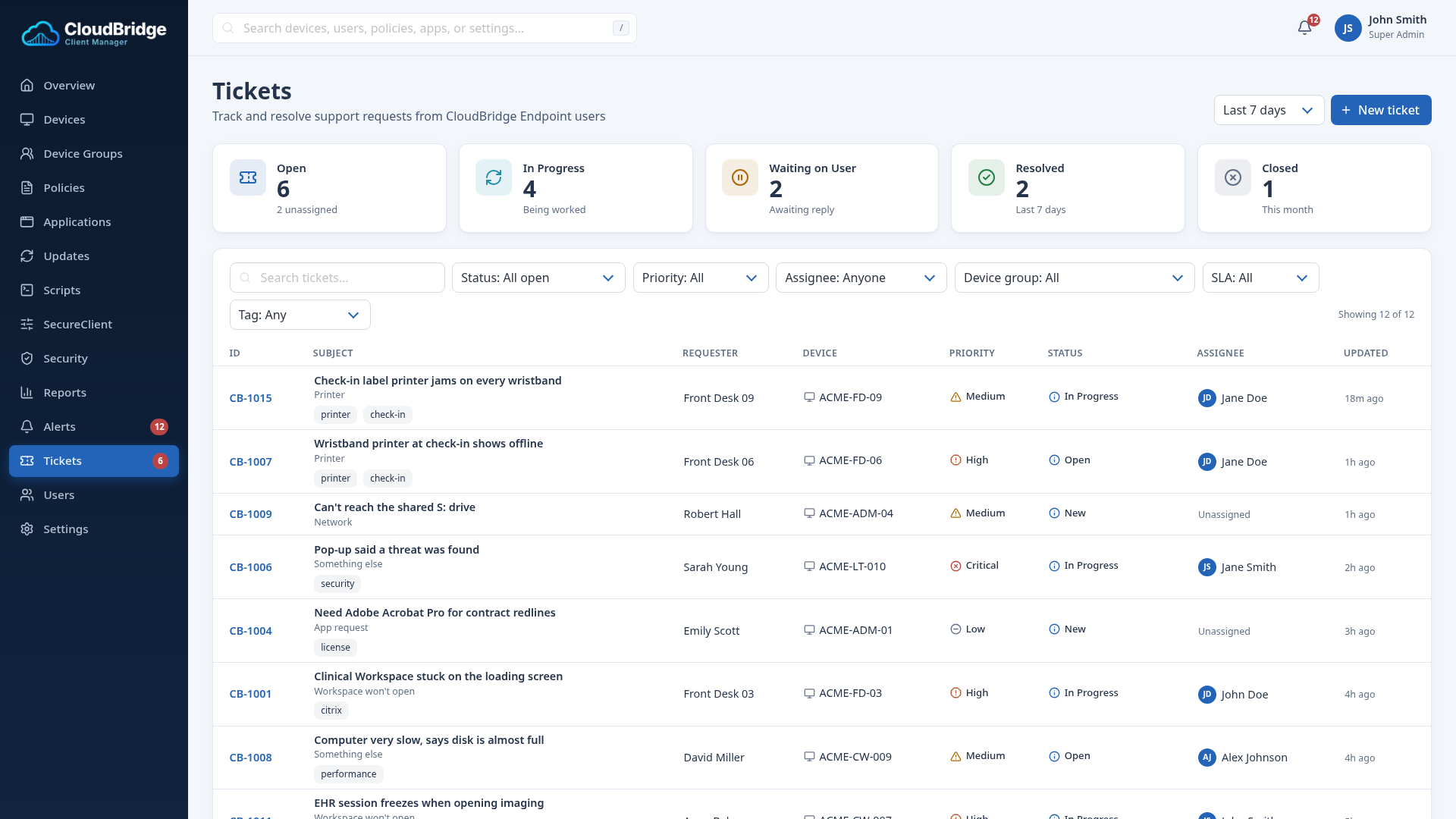 02 / In the console
The ticket lands in CloudBridge RMM.
Linked to the device, its group, OS and policy status.
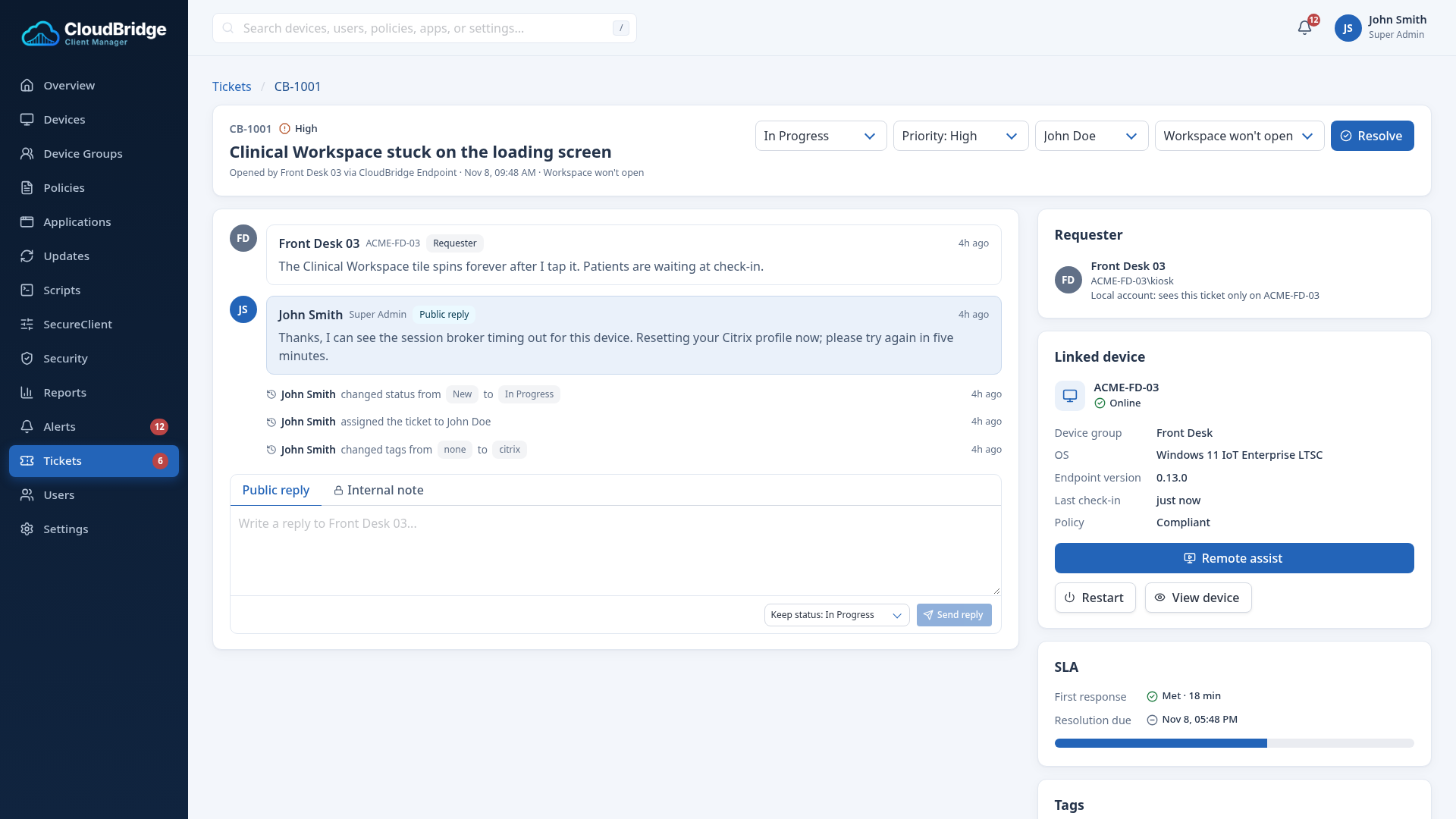 03 / Resolved
Reply, assist or restart.
IT can reply, remote assist or restart from the same screen.
Screens shown with sample Acme Co. data.
What fewer tickets are worth
Small percentages.
Real hours back.
Industry benchmarks put desktop support at about 0.40 tickets per user, per month, at an average $70 per ticket (MetricNet, 2026).
50 users, one year
Illustrative example- Expected tickets at the benchmark rate (50 × 0.40 × 12)
- 240 tickets
- Support cost at $70 per ticket
- $16,800
- If a consistent workspace avoided 1 in 5 of those tickets
- 48 fewer · $3,360
Illustrative only. The 1-in-5 reduction is an assumption for the example, not a measured result; your ticket mix will differ. Try your own numbers in the savings estimator.
Questions IT asks
Straight answers
about support.
What does clean state on restart mean?
An optional Unified Write Filter setting discards changes made on the device at every restart, so each day starts from the same known workspace.
Can CloudBridge replace the RMM we use today?
Yes. CloudBridge RMM can replace the RMM you already have, so you can consolidate device management, updates, alerts and tickets in one console.
What support do you offer?
Our office hours are 7 AM to 7 PM Central, Monday to Friday. Clients hosting SaaS systems are monitored 24/7. Call (844) 411-1711 or email deets@cloudbridgermm.com.
Make the next step practical
You have the device,
we have the solution.
$89 per device for the first year, renewing at $44.50. CloudBridge RMM with SecureClient included.