
HomeWhy CloudBridge · 02 of 05
Keep 30+ years
of Windows know‑how.
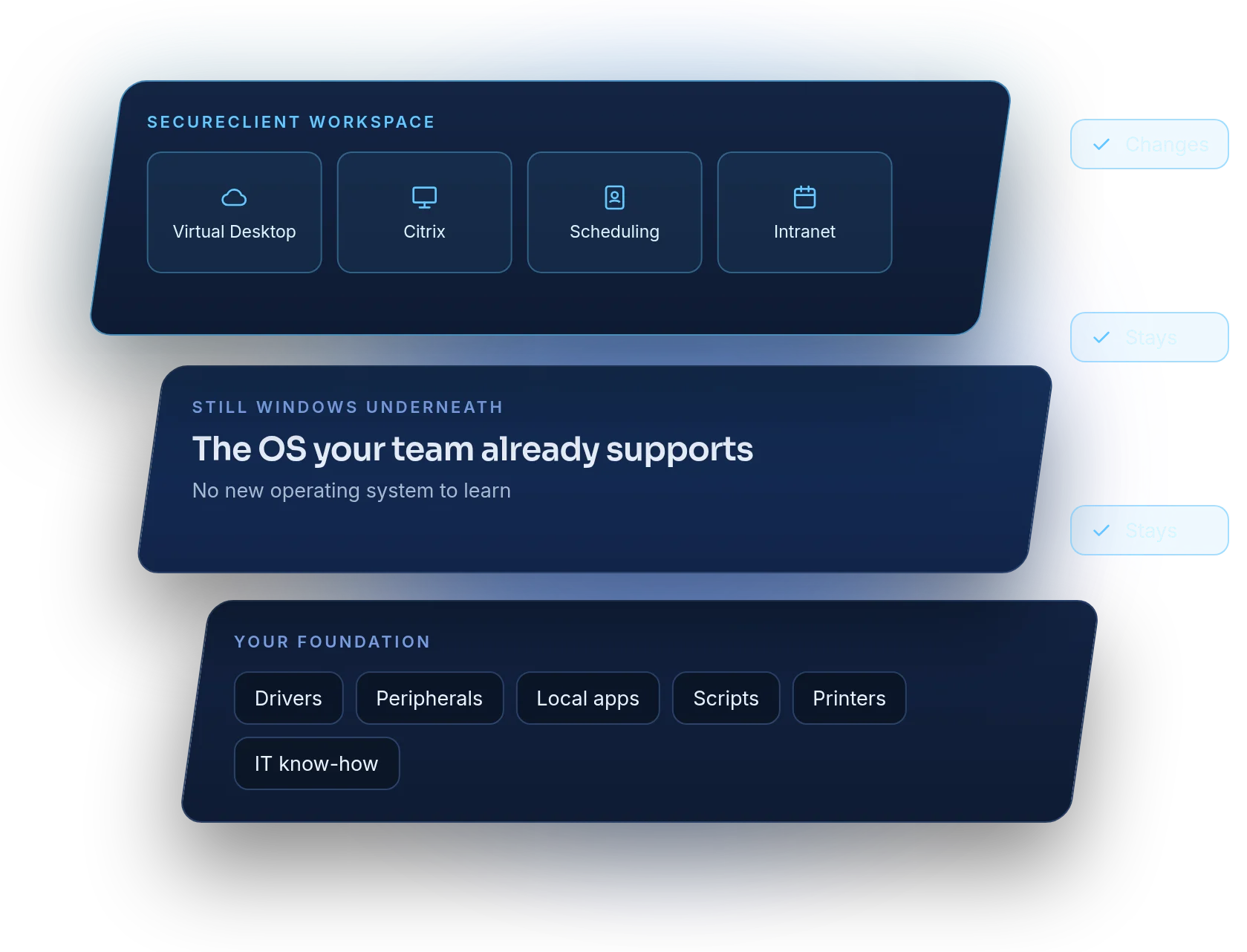
SecureClient changes what people see, not what IT supports. It’s still Windows underneath, so the drivers, apps, tools and troubleshooting experience your team has built still apply.
- Still Windows underneath
- No new OS to learn
- Works with or without Intune
The idea
Change the front door.
Keep the house.
Some ways of locking down a PC replace Windows with a different operating system. That can mean new driver questions, new tools and new training for the people who support it. SecureClient takes the opposite approach: it replaces the standard Windows shell, and leaves the Windows your team knows in place.
- 01
Your drivers come with you.
The Windows installation stays, along with the drivers your hardware already uses.
- 02
Local apps stay local.
Scanner software, signature pads and line-of-business apps can sit on the menu beside cloud desktops—only what IT assigns.
- 03
Peripherals stay practical.
IT can deploy printers by policy, or let people add their own. Keyboard, mouse and other essentials stay with the user—or not. That’s up to you.
- 04
Your skills transfer.
Windows administrators don’t have to become specialists in another operating system to support the workspace.
- 05
Hiring stays simple.
Windows experience is the skill most IT teams already recruit for. There’s no niche platform to staff around.
- 06
One console for the fleet.
CloudBridge RMM handles monitoring, policies, updates, alerts and tickets for workstations and servers alike.
What changes, what stays
A different experience.
The same foundation.
People get a focused workspace. IT keeps the platform it already understands.
The front door
- SecureClient replaces the standard Windows shell with an admin-defined workspace.
- People see only the cloud desktops, web apps and local apps IT assigns.
- System tools such as Settings, Task Manager, Command Prompt and File Explorer can be restricted, with keyboard filters.
- A custom-branded logon screen.
- Optional clean state on every restart.
Everything underneath
- The existing Windows installation—no re-imaging.
- Drivers, hardware and approved local Windows apps.
- Printers, running apps, restart, shut down and sign out.
- Your team’s Windows experience and habits.
- Your cloud platforms: Azure Virtual Desktop, Windows 365, Citrix, Omnissa, Parallels, Amazon WorkSpaces, Workspot, Google and more.
Three ways to lock down a PC
Only one of them
keeps Windows.
| Question | Replace the hardware | Replace the operating system | Change the shell (SecureClient) |
|---|---|---|---|
| Keeps your existing Windows install? | No, new devices | No, the drive is reformatted | Yes |
| Keeps approved local Windows apps? | Depends on the device | Generally no | Yes, beside cloud apps |
| New platform for IT to learn? | Yes, a new device platform | Yes, a new OS | No, it’s Windows |
| New hardware purchase? | Yes | No | No |
Want the product-by-product view? See how CloudBridge compares.
Questions IT asks
Straight answers
for Windows teams.
Is it really still Windows underneath?
Yes. SecureClient runs on Windows and changes the workspace on existing compatible PCs. It replaces the standard Windows shell; it doesn’t replace the operating system.
Which Windows versions are supported?
All currently supported Windows versions except Windows 11 Home.
Does it work with or without Intune?
Both. SecureClient doesn’t require Microsoft Intune and isn’t built on it. It’s managed through CloudBridge RMM.
Does SecureClient run on servers?
No. CloudBridge RMM deploys to Windows servers and workstations; SecureClient runs on selected workstations.
Make the next step practical
You have the device,
we have the solution.
$89 per device for the first year, renewing at $44.50. CloudBridge RMM with SecureClient included.